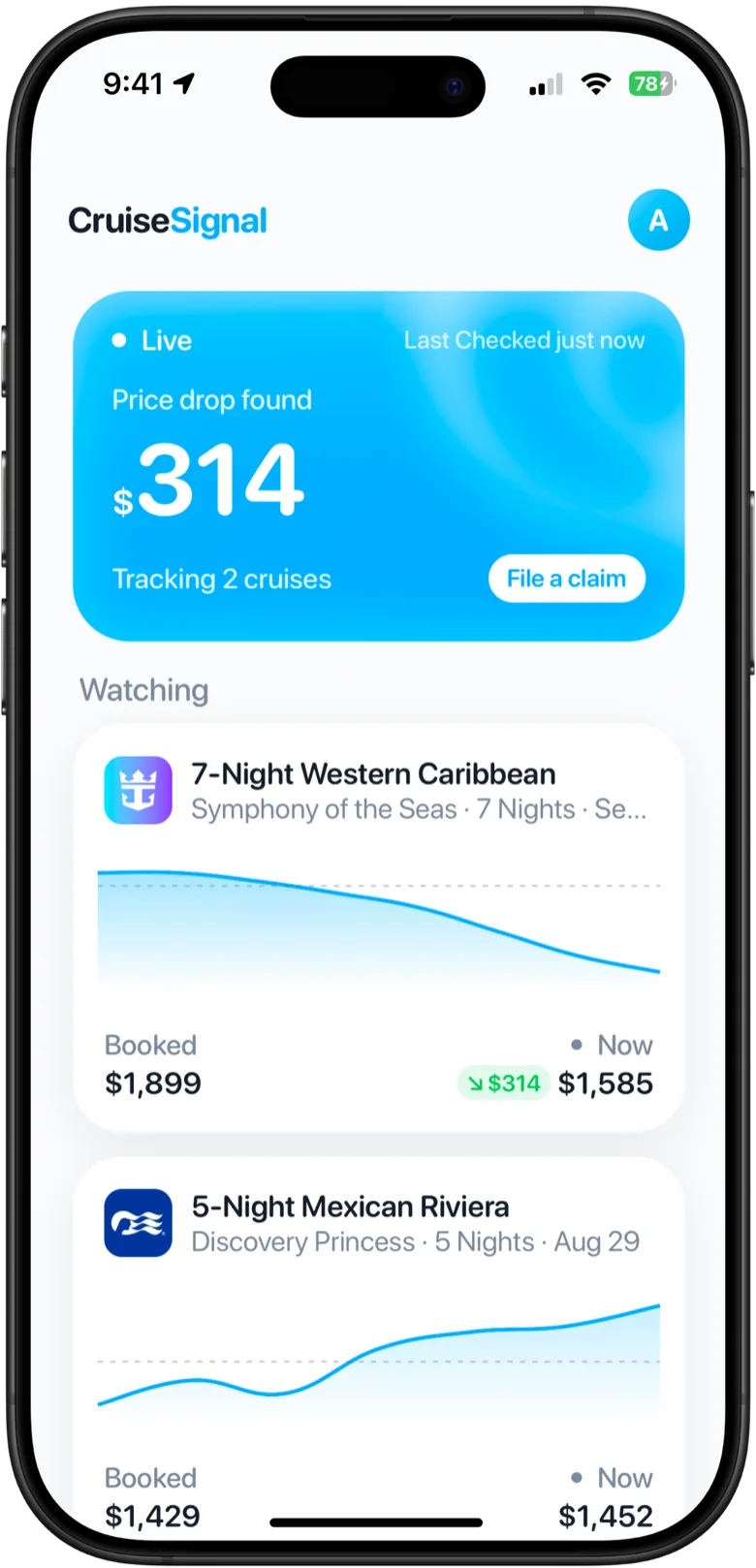
CruiseSignal for Android
Your cruise price can drop after you book, and the cruise line will not tell you. CruiseSignal catches it on Android today: the web app runs in your browser, with nothing to install.
The same CruiseSignal, in your browser.
Add your booking from your confirmation or by hand, and we check the cruise line's public price for your exact cabin around the clock. When it drops, you get an email with the amount and how long you have to claim it.
- Works in Chrome, Samsung Internet and Firefox
- Price drop alerts by email
- One account with the iPhone app
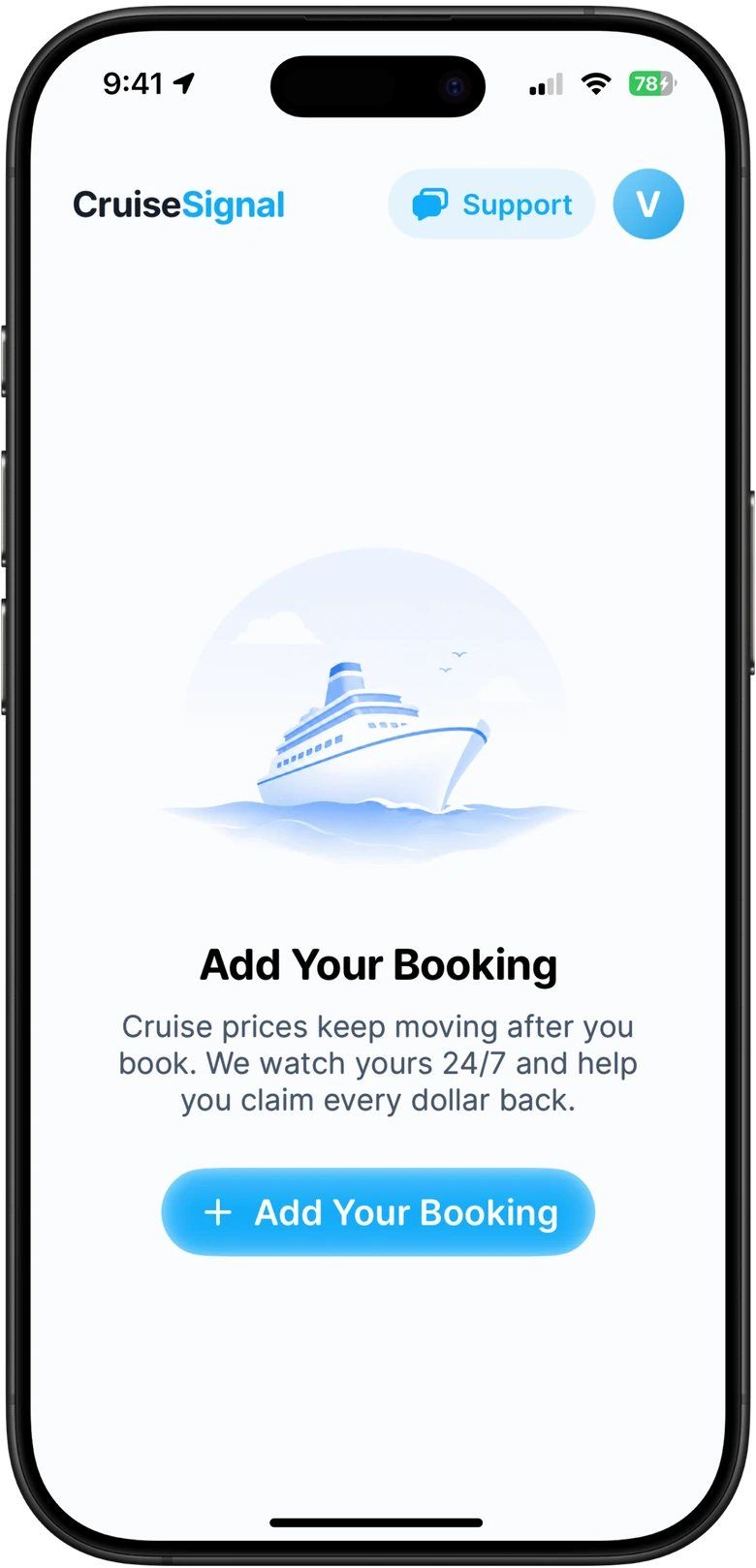
Put CruiseSignal on your home screen
The web app installs like an app, so it opens full screen from its own icon.
- 01Open the web app Go to app.cruisesignal.app in Chrome or Samsung Internet and add your booking.
- 02Add to Home screen Open the browser menu and choose Install app or Add to Home screen.
- 03Open it like an app Tap the CruiseSignal icon. It opens full screen, signed in, with your bookings.
What it does
Cruise fares keep moving after you book, and the cruise line never calls to tell you. CruiseSignal watches the public price of your exact ship, sail date and cabin category, then tells you as soon as we find a drop, what the drop is worth, and how long you have to claim it.
The web app is the same CruiseSignal as the iPhone app: the same tracking, the same alerts, the same account. On a computer instead? See CruiseSignal on the web.
Questions
Yes, in your browser. The CruiseSignal web app runs in Chrome, Samsung Internet or any other browser on Android and tracks your booking exactly like the iPhone app. A native Android app is in development.
Not yet. CruiseSignal is not on Google Play and there is no official APK, so do not install one from another site. Use the web app at app.cruisesignal.app, and add it to your home screen if you want it to open like an app.
By email. When the fare on your booking drops below what you paid, we email you the amount and how long you have to claim it, with a link straight to the claim steps.
No. Open the web app, add your booking and we start watching the fare. If you want it on your home screen, choose Add to Home screen or Install app in your browser menu and it opens like an app.
We are not putting a date on it, because a date we miss is worse than no date. The web app does everything it will do, so there is no reason to wait.
Yes. Sign in with the same email and your bookings and subscription follow you, whichever one you subscribed on.
Also worth reading
Your cruise is booked.
Your price isn’t.
Add your cruise in a minute, right in your browser. We will watch it from there.